
Streaming Basics
What Is a Streaming Device? A Simple Guide for Your TV
Learn what a streaming device does, how it connects to your TV, and what to consider before choosing one.
Published July 31, 2026
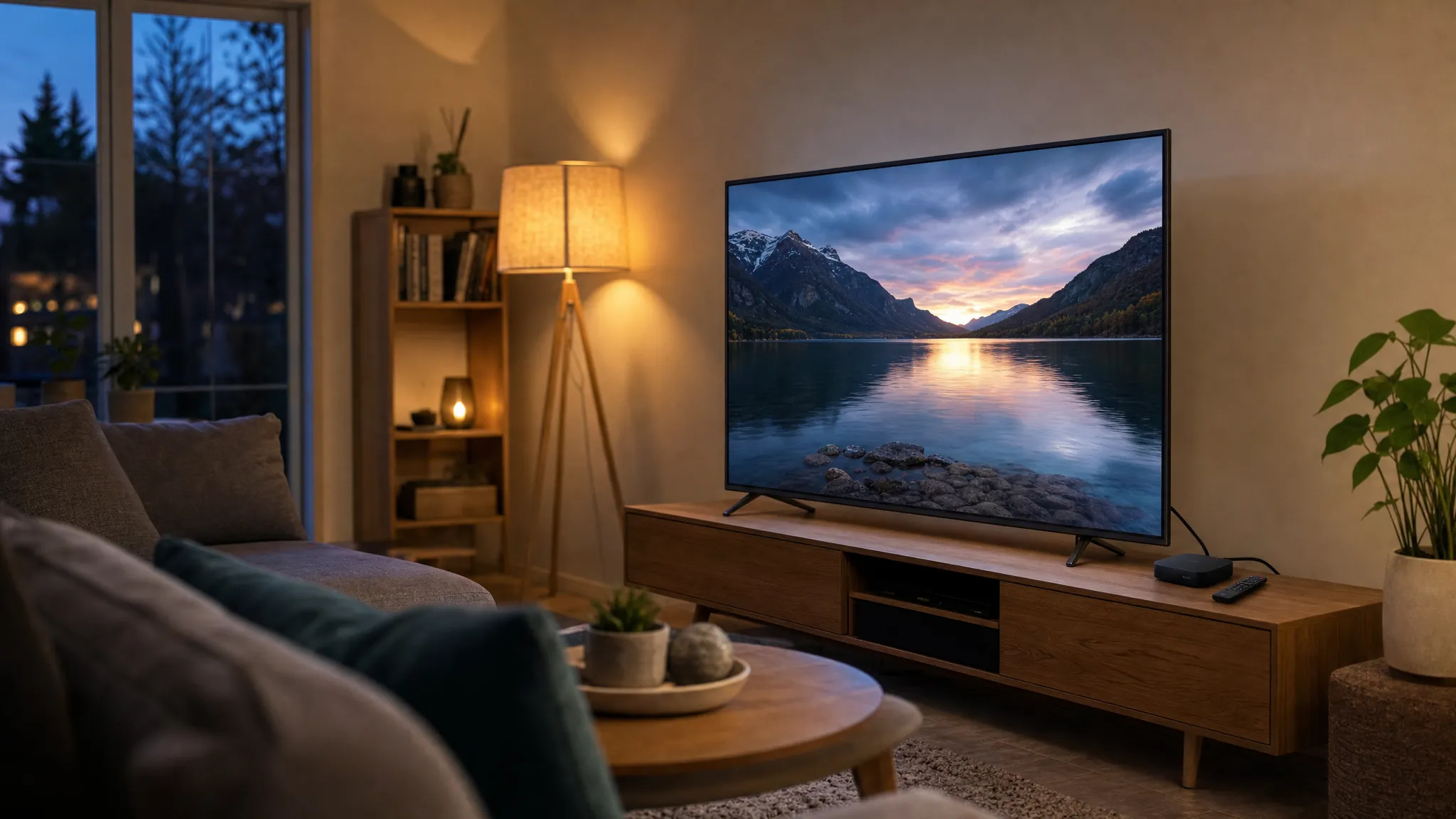
A streaming device is a small piece of hardware that brings internet-based TV, movies, and apps to your screen. It usually plugs into an HDMI port on your television, connects to your home internet, and gives you one place to open the services you use.
For many households, it is the simplest way to update an older TV or make a familiar screen easier to use. Instead of switching inputs or relying on a phone, you can use a remote and a home screen built for the living room.
What does a streaming device do?
A streaming device receives video through your internet connection and sends it to your TV. After a short setup, you can sign in to compatible services, browse what is available, and control playback from the remote.
Some devices are compact sticks that sit behind the television. Others are small boxes that rest near the TV and can offer extra connections or storage. Both are designed to keep the viewing experience straightforward: turn on the screen, choose what to watch, and settle in.
How does it connect to your TV?
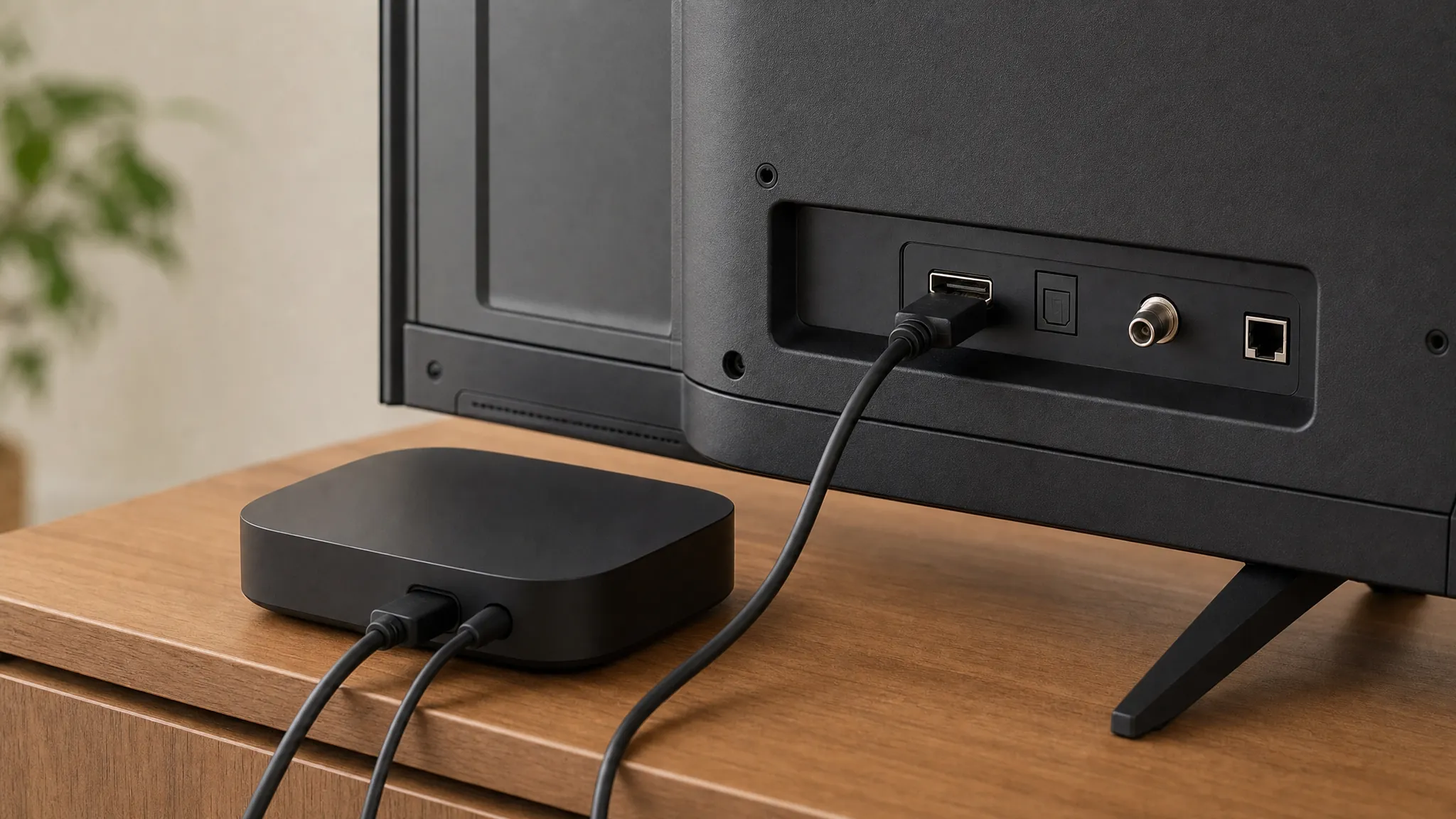
Most streaming devices need three things: an available HDMI port, power, and a reliable internet connection. HDMI carries the picture and sound to your television. Power may come from a wall outlet or, in some setups, from a USB port on the TV. The device then joins your home Wi-Fi, or connects by cable when that option is available.
Once connected, the device guides you through its setup screens. That normally includes selecting your Wi-Fi network, signing in, and choosing the apps or services you want on the home screen.
Do you need one if you have a smart TV?
Not always. A smart TV already has internet features built in, so it may be enough for the services you use. A separate device can still make sense when you want a different interface, a faster experience, a remote you prefer, or compatibility with a service that is not available on the TV itself.
It can also be useful when a television is still in good shape but its built-in apps no longer meet your needs. A streaming device lets you update the way you watch without replacing the entire screen.
What should you consider before choosing one?
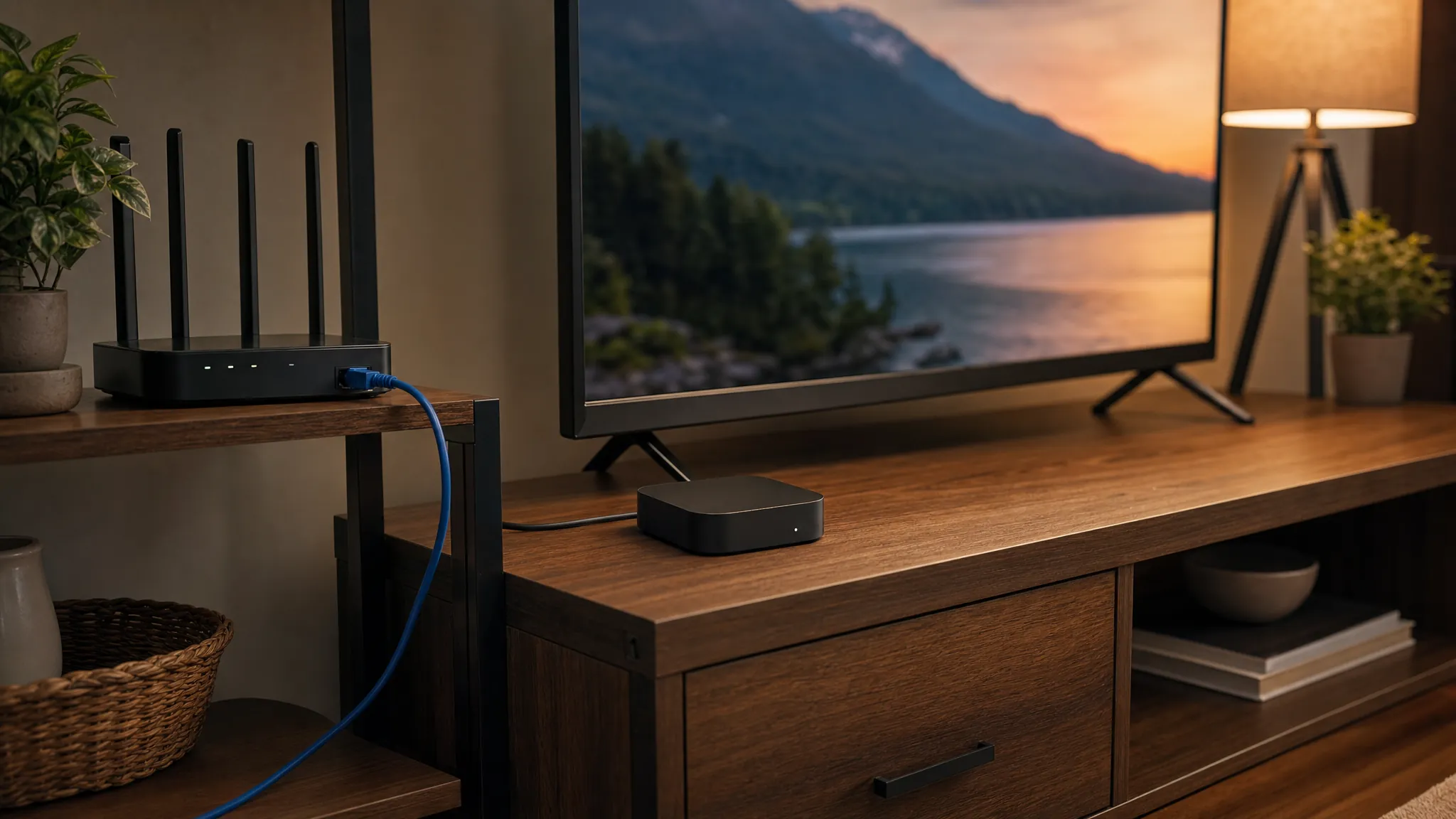
Start with the TV and services you already use. Check that the device works with your television's HDMI connection and supports the picture quality you want. Think about where it will sit, how strong your Wi-Fi is in that room, and whether you want a simple single-screen setup or something that fits into a wider home viewing plan.
It also helps to consider who will use it. A clear home screen, comfortable remote, and straightforward setup can matter just as much as a longer feature list when the goal is to make TV easier for everyone in the house.
A simple place to start
Write down the TV you want to use, the services that matter most, and whether you are setting up one room or several. That gives you a practical way to compare your options and ask the right questions before you buy.
My Cinema House can help you compare a ready-to-use streaming device with the other entertainment options that fit your home.
Explore streaming devices