A clearer way to choose
Start with the TV you do not want to lose.
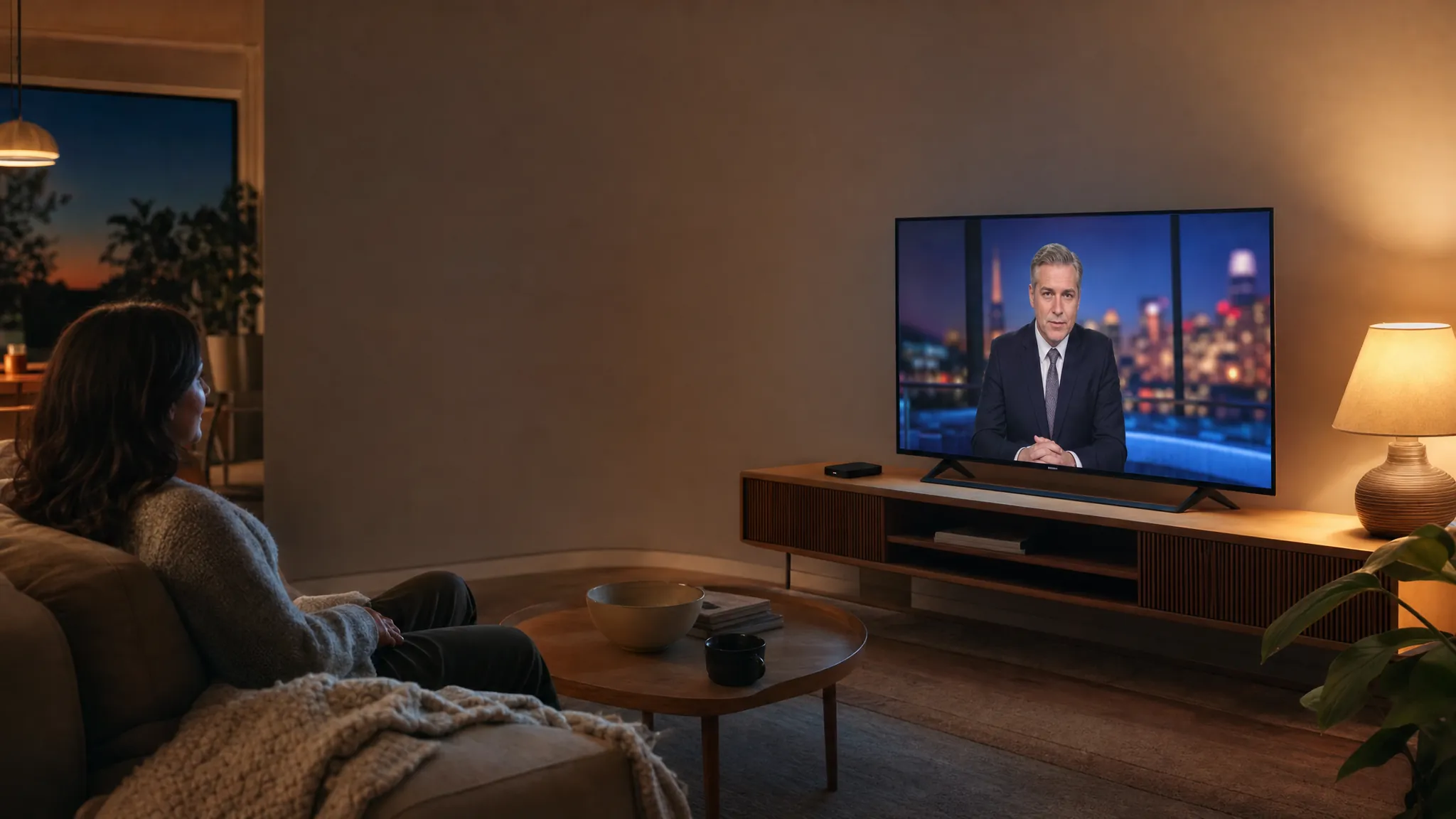
For many households, local programming is the part of live TV that keeps the service grounded in everyday life. It is the morning forecast, the evening news, the game that is on right now, and the familiar channels everyone knows how to find. That is why choosing a TV setup is not only about adding more entertainment. It is also about keeping the regular viewing that already has a place in your routine.
VEHO TV helps you compare flexible TV plans for compatible devices, ready-to-use streamers, and a separate video-club route for a fuller on-demand library. This page focuses on the live-TV path: a plan built around the screens in your home, with local networks and cable TV listed among the available programming categories.
Think of the first conversation as a practical check-in, not a technical test. You do not need to know every setting or device term. Start with the programs you want to keep, the rooms where people watch, and the screens already connected at home. That gives you a much clearer way to compare the options.
Keep everyday viewing close.
When local channels matter, the small moments are often the deciding ones. You may want a familiar station for headlines before work, a local weather update when the forecast changes, or a live program that is easier to watch in the moment than search for later. A live-TV plan gives you a path to keep those habits alongside movies, sports, news, and entertainment.
Rather than asking your household to start over with a completely different routine, begin with what already works: the televisions and streaming devices you use, the people who watch them, and the kinds of live programming you come back to each week.
That can make the change feel more useful from the first night. Instead of bouncing between different ways to watch, you can compare a plan around the live viewing your household already values and then look at the added entertainment as part of the same setup.
02Use the screens already in your home.
A new TV service should fit into the room, not turn into another project. VEHO TV plans are presented for common streaming devices such as Roku, Fire TV, Smart TVs, Apple TV, phones, and tablets. That gives you a practical place to start when you are comparing a plan for one screen, a second room, or several people in the house.
If you would rather begin with a dedicated device, My Simply TV streamers offer a ready-to-use route. The right choice depends on whether you want a flexible plan on the devices you have or a more defined hardware setup. VEHO TV can help you sort out the difference before you commit.
The goal is a setup your household can use without a new routine every time someone picks up the remote. Checking the make and model of the device, the TV it connects to, and the number of people likely to watch at once can make that decision much more straightforward.
03Check the details that change the decision.
Channel availability, device compatibility, screen limits, and plan terms can change which option is right for you. The useful conversation is not “What has the most?” It is “What will work for the way we watch?” Before you choose, make a short list of the local programming you care about, the devices in your home, and how many screens are likely to be in use at the same time.
Bring that list to VEHO TV support. It makes the comparison faster and helps avoid a plan that sounds right on paper but does not match your household when it is time to watch.
It is also worth asking about the practical moments that can be easy to overlook: whether a device is already supported, whether the plan is right for a second room, and how you want movies, live TV, and regular channel viewing to work together. A few specific questions now can save a lot of switching later.